









Weltrade Trading Tools 2026: Calculators, Economic Calendar and MT5 Robots
Weltrade trading tools reviewed: five free calculators, an economic calendar, TradingView charts and MT5 robots, plus how to use them without guessing.
Reviews
Good decisions in trading usually come down to arithmetic done before the order is placed: what is a pip worth here, how much margin will this position tie up, what happens to the swap if I hold it overnight. The Weltrade trading tools exist to answer exactly those questions — plus an economic calendar for timing and MT5 robots for automation.
This guide covers the whole toolkit: five working calculators, two more on the way, the calendar, TradingView charts, and how to get robots and indicators running on your account.
Weltrade Trading Tools at a Glance
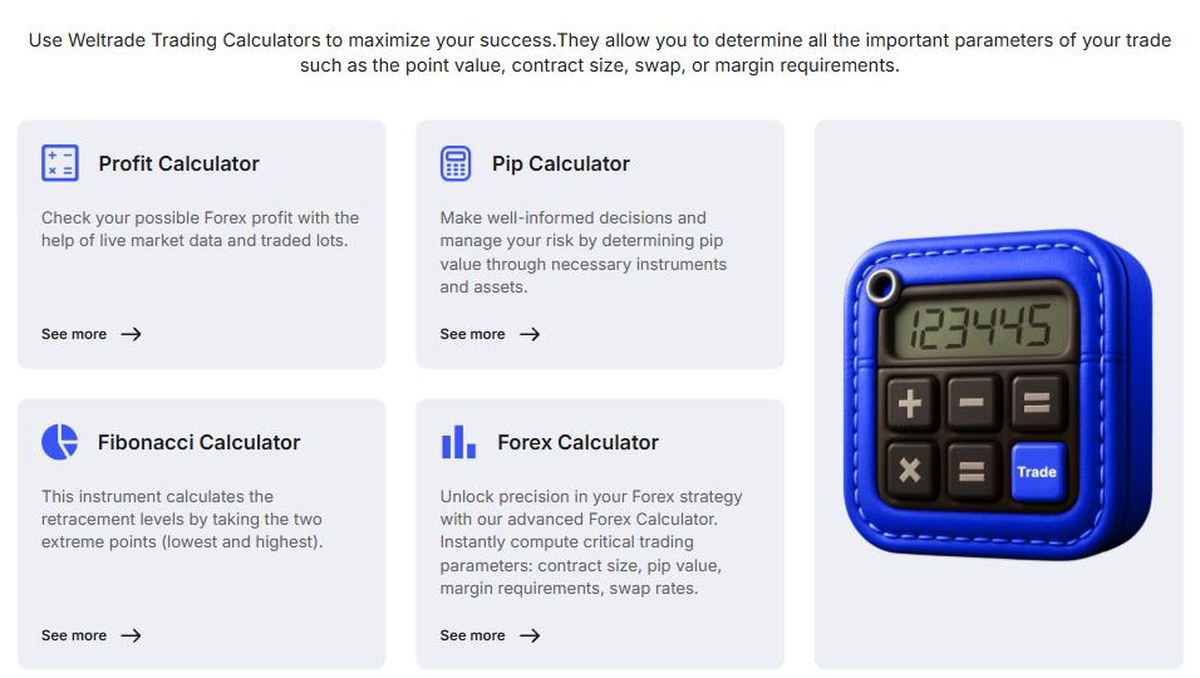
- Calculators Hub — five live calculators covering profit, pips, Fibonacci levels, contract size and leverage
- Economic calendar — economic events, news releases and market indicators
- TradingView charts — track markets with the charting package traders already know
- Robots and indicators — automated tools from the MetaTrader Market, installed on MT5
- MQL5 Signals — follow signals from the MQL5 community
- Backed by a broker operating since 2006 with 60,000+ traders in 20+ countries
All of it sits alongside accounts that open from $1, so you can open a Weltrade account and use the tools on a live or demo balance.
The Five Calculators and When to Use Them
- Profit Calculator — estimates the possible result of a trade using live market data and your lot size. Use it before entering, to see whether the target is worth the risk.
- Pip Calculator — works out pip value for the instrument you are trading, which is the basis of any position-sizing rule.
- Fibonacci Calculator — takes the highest and lowest points of a move and returns the retracement levels.
- Forex Calculator — the all-in-one: contract size, pip value, margin requirement and swap rates in one place.
- Leverage Calculator — shows the margin required for a position given your account currency, trade size and leverage ratio.
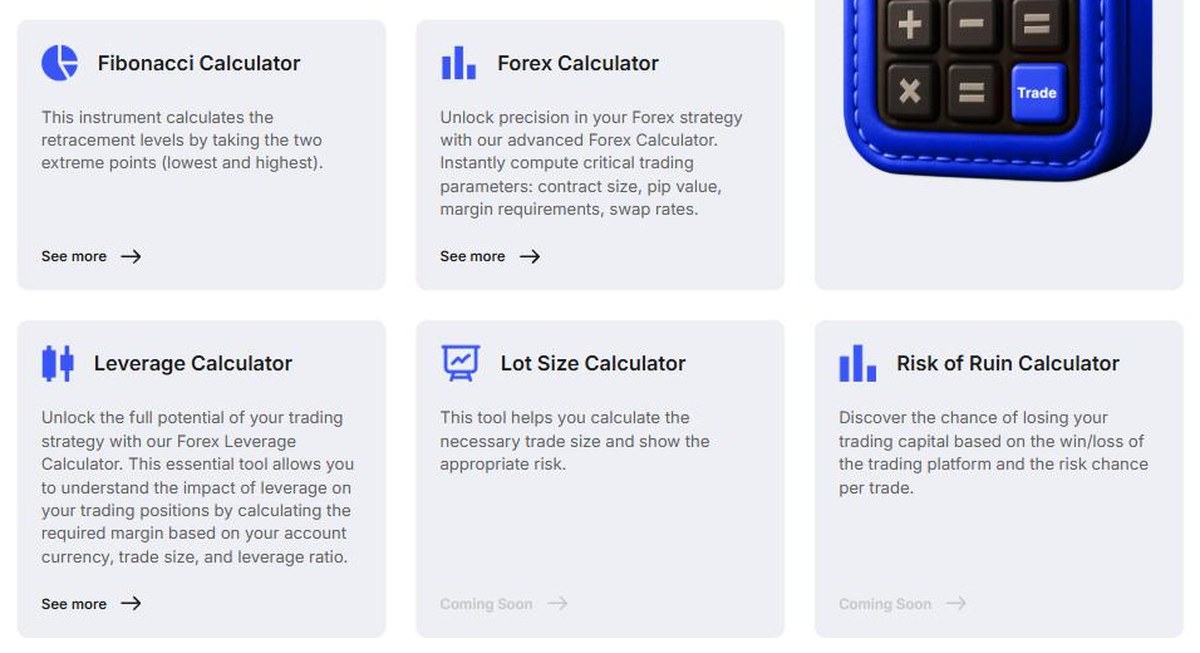
Two more are announced but not yet available: a Lot Size Calculator and a Risk of Ruin Calculator, both marked “Coming Soon” at the time of writing. Until the lot size tool ships, the pip and leverage calculators together do the same job with one extra step. You can try the Weltrade calculators on the official hub.
Economic Calendar and TradingView Charts
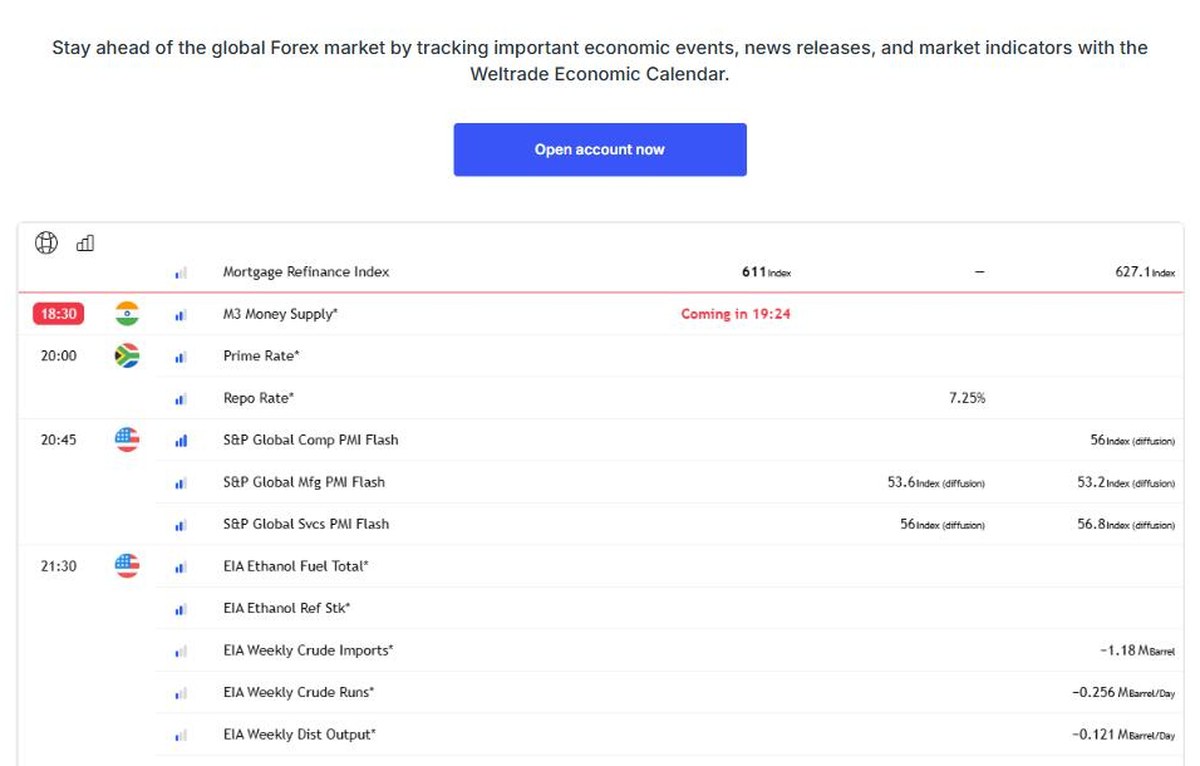
The calendar lists scheduled releases with times, the country concerned, forecast and previous values, and a countdown to the next event. For anyone trading around news, it answers the two questions that matter: what is coming, and when. The same tools section also offers TradingView charts, so you can analyse markets with familiar charting rather than learning a proprietary package.
One practical note: Weltrade’s own account specifications reduce leverage around rollover and major news on some account types, so check the conditions of your account before trading a release.
Robots and Indicators on MT5
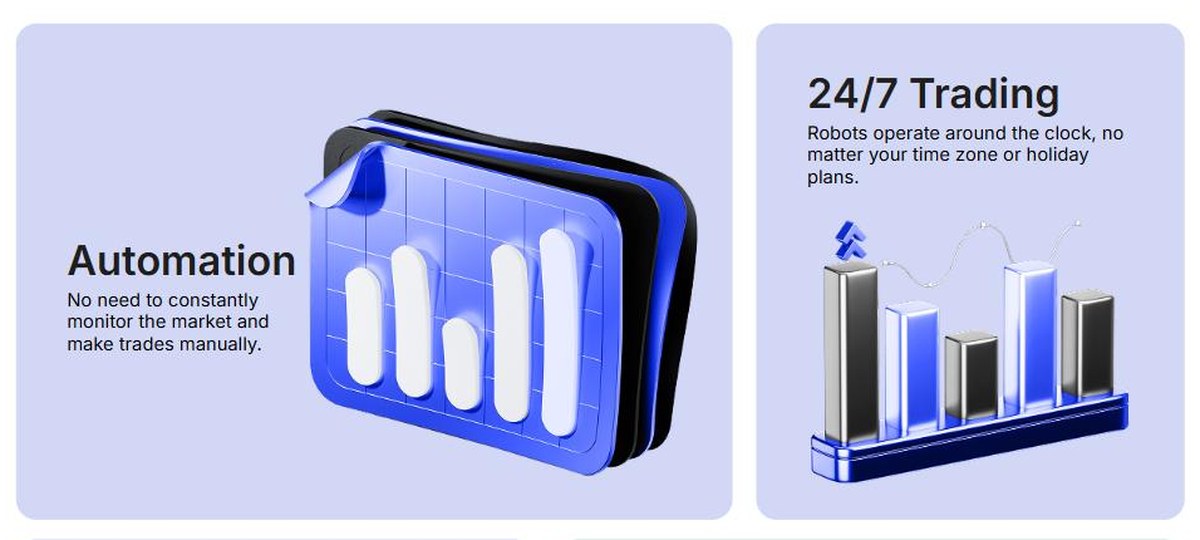
- Automation — no need to watch the market and place every trade by hand
- 24/7 trading — robots keep working across time zones and holidays
- Risk management — rules applied consistently, with less emotion
- Market analysis — indicators for trends, volatility and possible reversal points
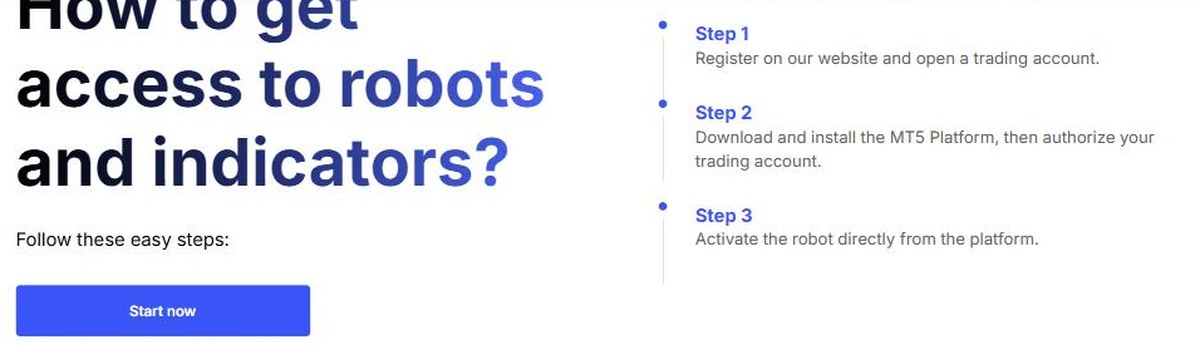
Getting started takes three steps: register and open a trading account, download and install the MT5 platform and authorise your account, then activate the robot directly from the platform. Weltrade also publishes video tutorials covering how to buy a robot or indicator in the Market, how to search the catalogue, how to test Expert Advisors free before purchase, and how to renew or reinstall them.
Using the Tools Sensibly
- Robots and indicators come from the MetaTrader Market and are built by third-party developers — most are paid products, and Weltrade supplies the platform rather than the strategy.
- Test before you buy. MetaTrader lets you trial Expert Advisors and indicators free of charge, and Weltrade links the tutorial showing how.
- Automation does not guarantee profit; a robot follows its rules whether or not the market suits them.
- Run any new tool on a demo account first, then start live with 0.01 lots.
Used this way, the toolkit does what it should: fewer guesses, more arithmetic. You can explore the full Weltrade toolkit before committing capital.
Company Information and Licence
- Weltrade Ltd. — an International Business Company incorporated in Saint Lucia (Registration No. 2023-00055). This is a company registration, not a financial-services licence.
- Weltrade SA (PTY) Ltd — South African company holding FSP Intermediary Licence No. 50691, Category I — Intermediary Services in respect of derivative instruments, issued by the Financial Sector Conduct Authority.
- Danoa Enterprises LTD (Cyprus, HE489250) acts as payment agent.
Confirm which entity holds your account before depositing; the Saint Lucia entity is not supervised by a tier-one regulator such as the FCA, ASIC or CySEC.
Risk Warning and Restricted Countries
Weltrade’s own risk warning: “CFDs are complex instruments and come with a high risk of losing money rapidly due to leverage. A substantial majority of retail traders lose money when trading CFDs with providers.”
Services are not available to residents of the United States, Canada, the United Kingdom, European Union member states, the Russian Federation, Belarus, India, Iran and North Korea, or jurisdictions under international sanctions or FATF restrictions.
Verdict: 4.3 / 5
As a toolkit, this is solid and — importantly — free to use with an account. The calculators cover the calculations that actually matter, the calendar is clear, TradingView charts remove a learning curve, and MT5 keeps automation open to third-party tools rather than locking you into in-house software. The two unreleased calculators are the only gap. Start with Weltrade and put the tools to work on a demo first.


